Making a Movie
Order a genre and premise, and receive a script, storyboards, cut videos, and subtitles end to end. The script is generated as an episode (EP1…), and you work scene by scene.
1. What you get
An original short film. Script → characters → storyboards → cut videos → subtitles → export, all inside the studio. A film is a series of scenes, and each individual shot within a scene is a cut.
2. Ordering with Full Order
There are two order forms:
- Story order — genre, mood, premise: what kind of story
- Delivery order — how far to take it, chosen from recommended sets
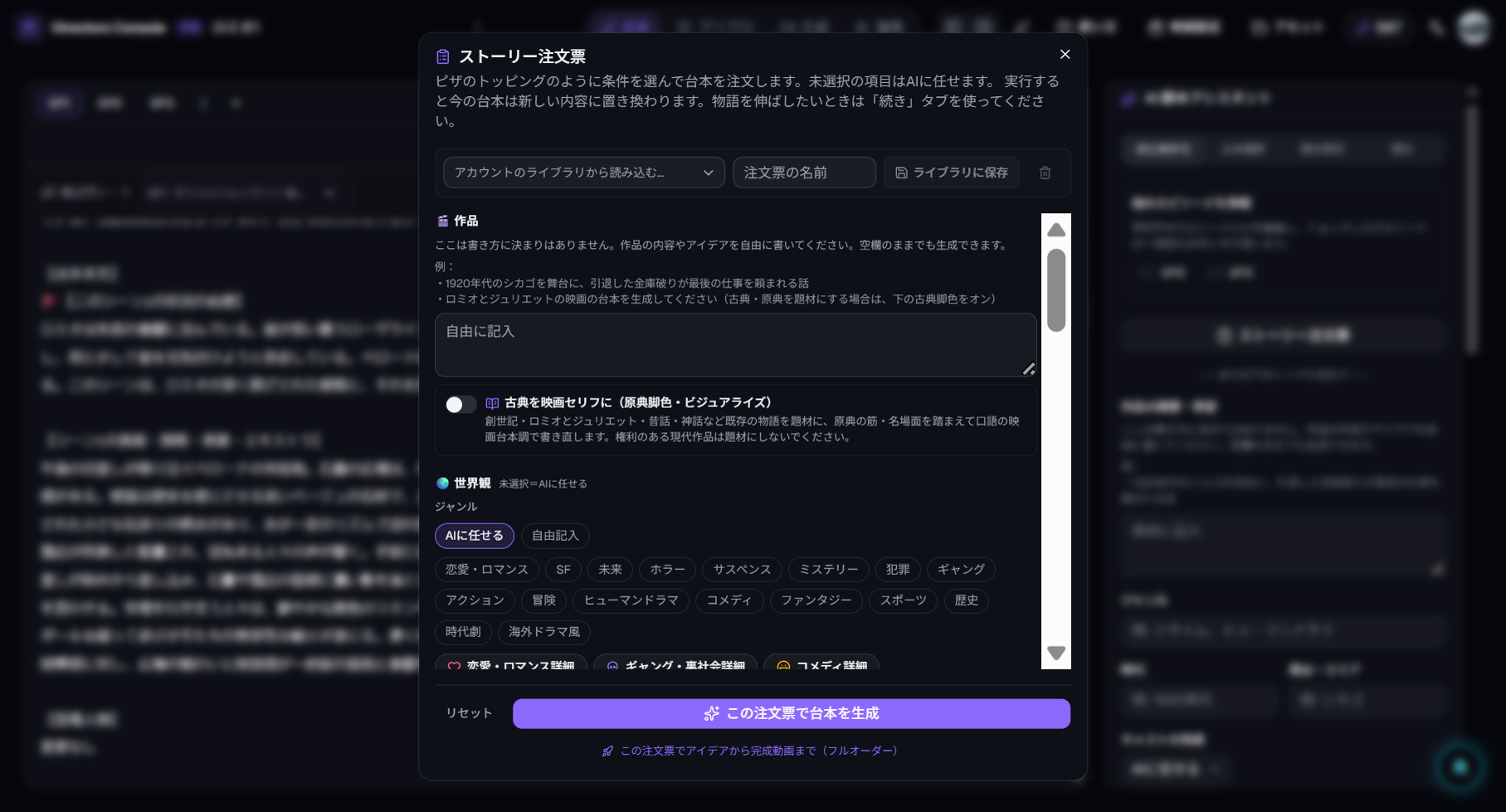
| Stop point | What you receive |
|---|---|
| Script | The episode script — read it to confirm direction |
| Storyboards | Script + characters + boards — confirm visually |
| Videos | Cut videos for the scene |
| Export | Subtitled, exported video file |
The default is to start small: finish Scene 1 first, then order Scene 2 onward if you like it. You can also order all scenes at once.
3. Reading the results
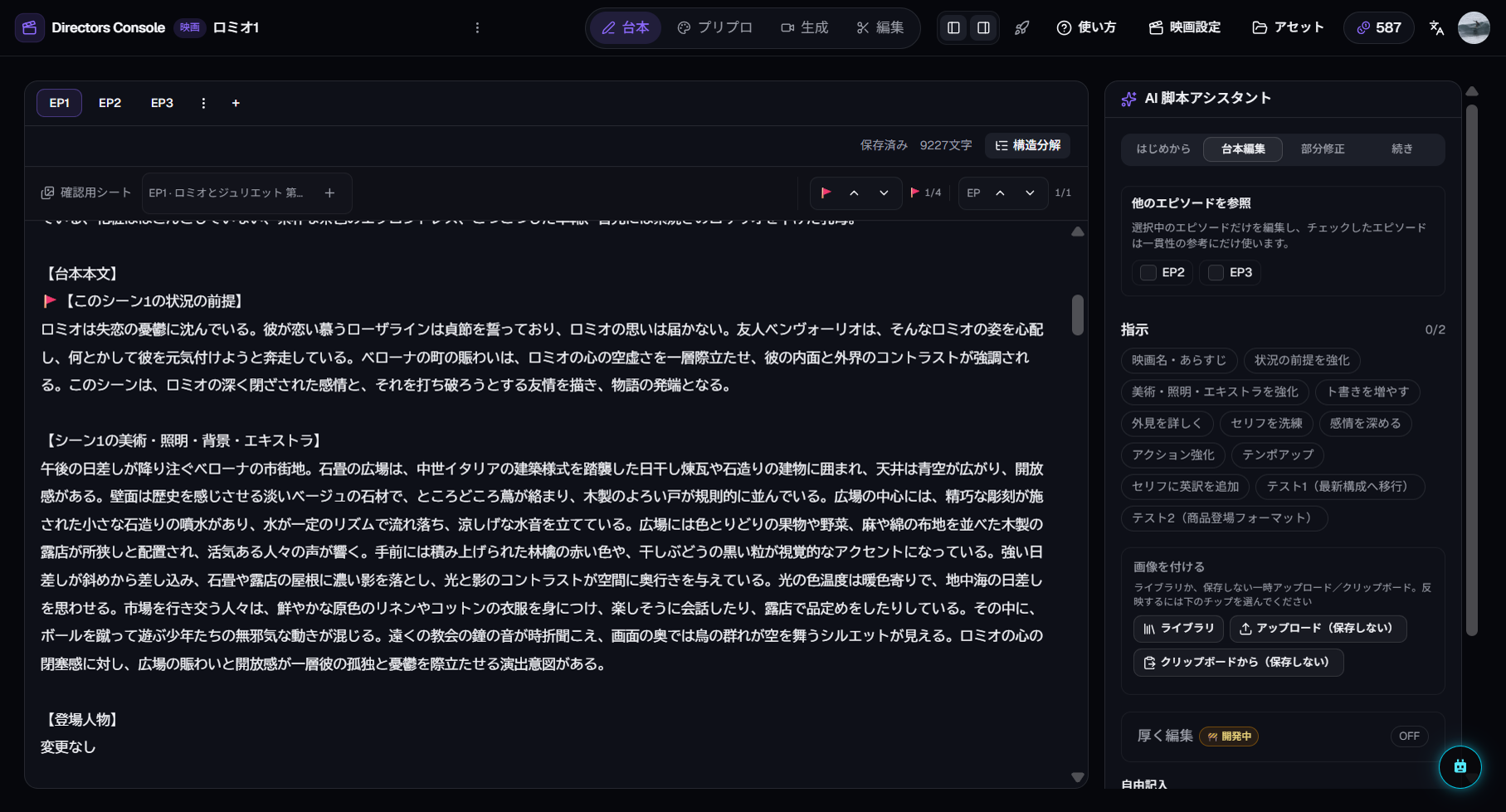
Four rooms, left to right:
- Write — the episode script, divided by fence lines
- Prep — style guide, casting, storyboards
- Shoot — video per cut, with multiple takes
- Edit — timeline and export
Screenshot coming soon
docs-movie-03-prep-boards.en.png
4. Refining (the manual entry points)
These three cover most needs — no need to learn every button:
- Fix one line of script — select and edit in the Write room; downstream steps pick it up
- Reshoot one cut — generate a new take in the Shoot room and adopt the better one
- Order Scene 2 and beyond — reopen Full Order and widen the range
5. Rough credit cost
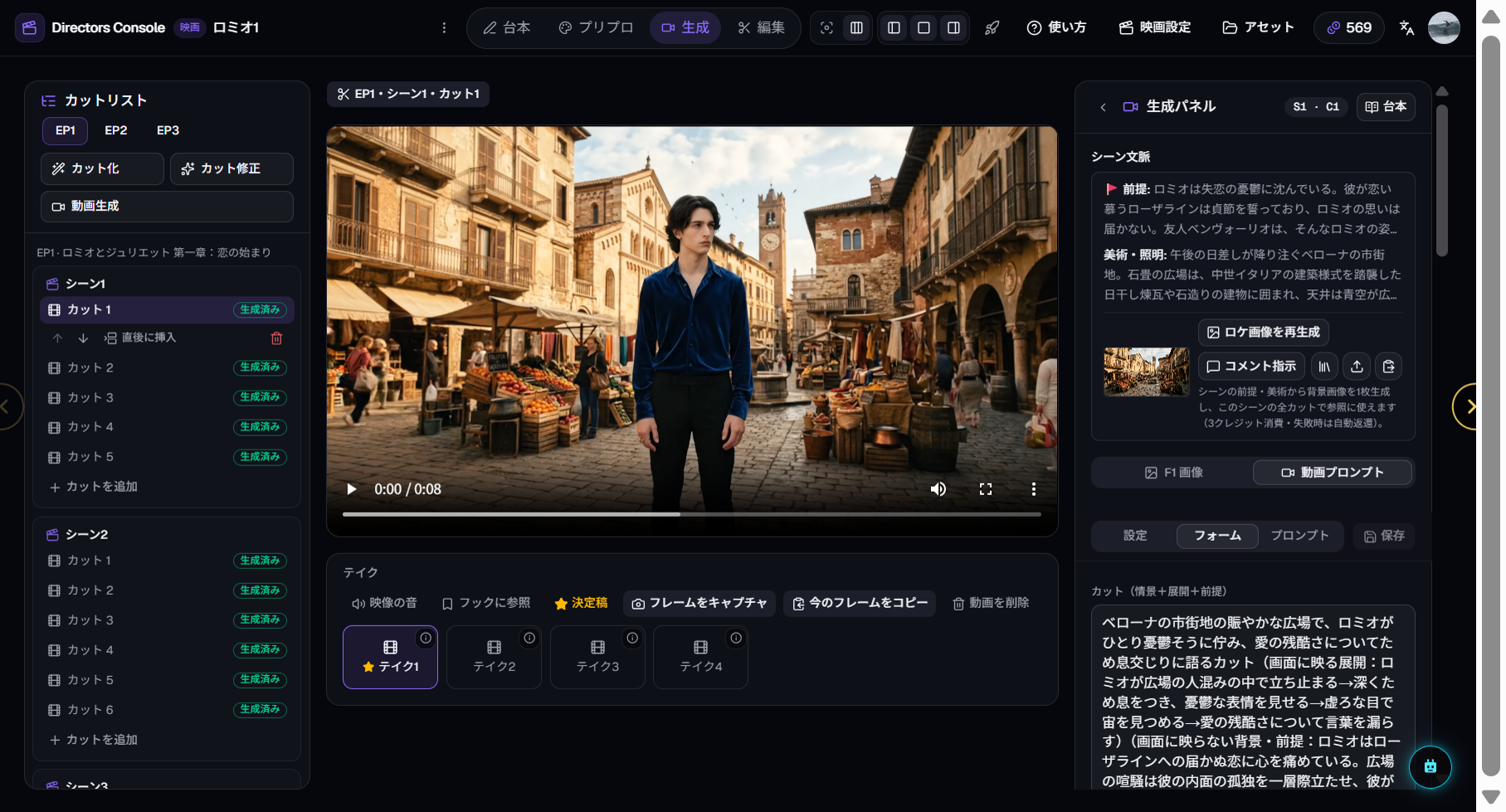
Taking Scene 1 (about 5 cuts) through video runs roughly 50 credits and up, depending on quality and length. See How Credits Work for the full rates.