Making a Commercial
Hand over product info or a reference URL and receive a 15–30 second commercial. The flow: lock the look, pick key images, then turn those cuts into video.
1. What you get
A short commercial for your product or service. One commercial is an episode, its situations are scenes, and each shot is a cut. Duration comes from a package (short spot up to a 30-second story).
2. Ordering with Full Order
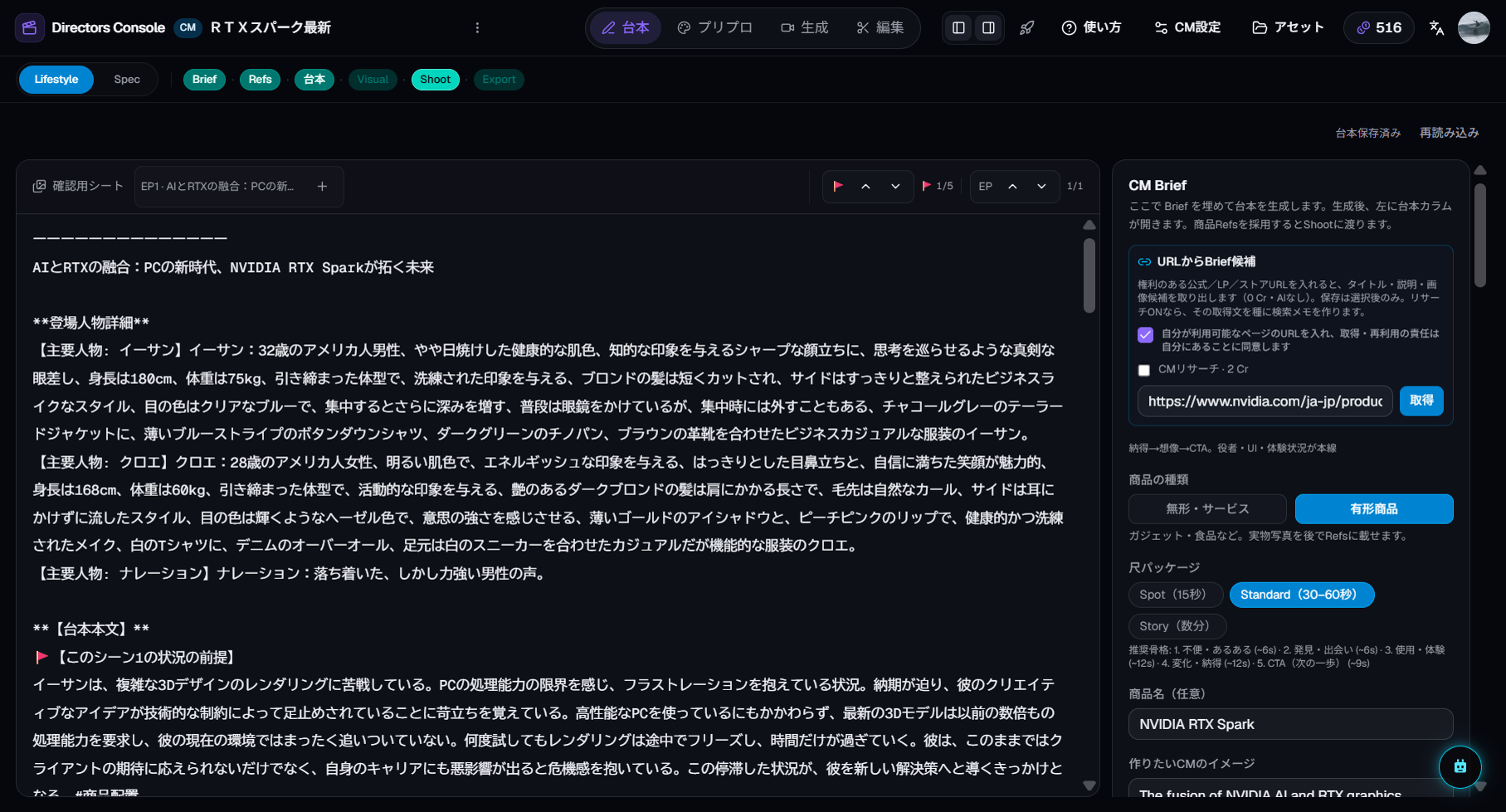
The order centers on a brief: write the product name, selling points, and audience — or paste a product page URL and the studio drafts the brief from it.
- Presentation style — lifestyle (people using the product) or spec-driven (features and numbers, shown as diagrams)
- Duration package — 15-second spot up to a 30-second story
The default stop point is Scene 1's cuts through video — prove one scene before widening.
3. Reading the results
Commercials add one extra visual step:
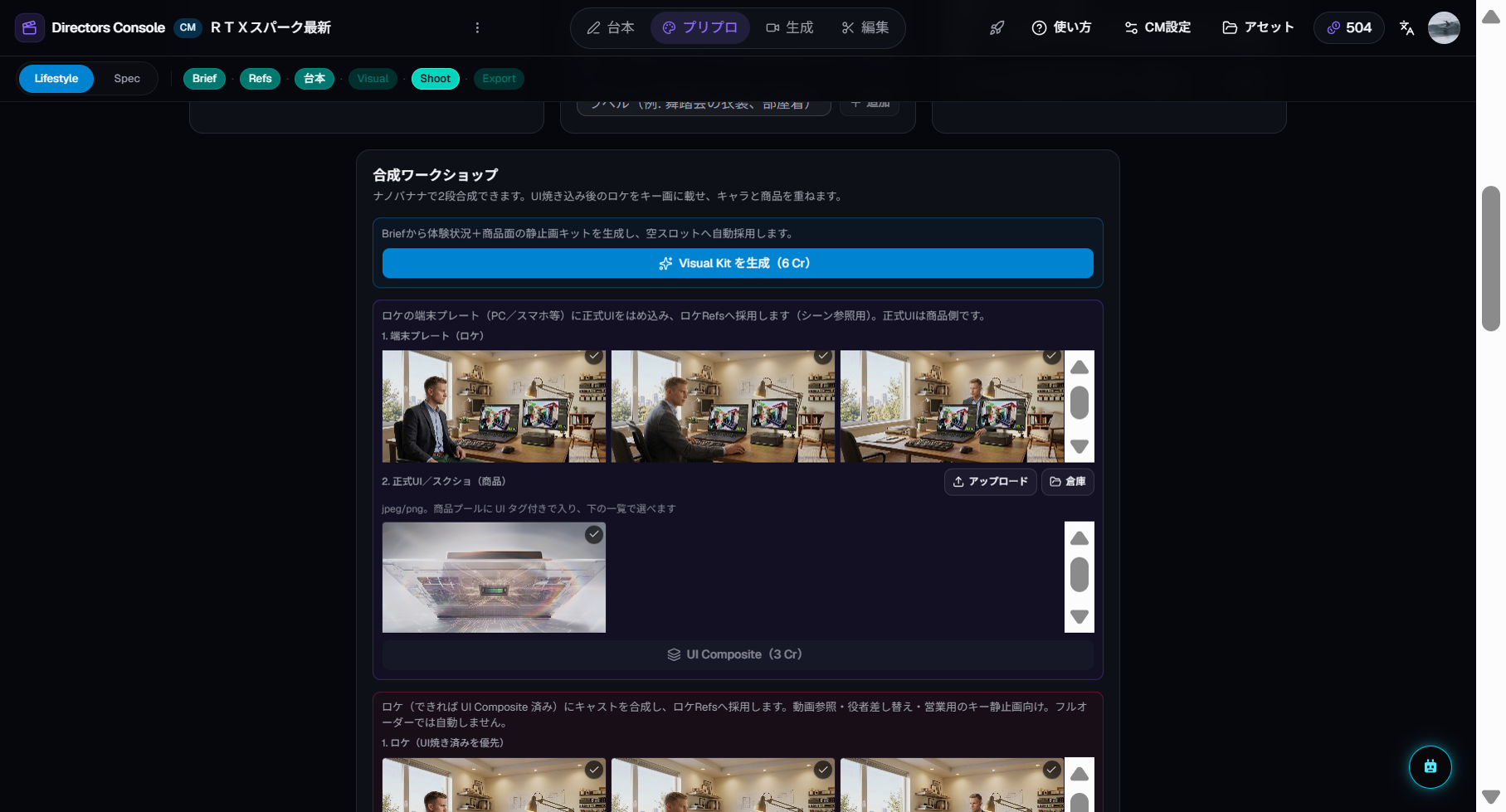
- Visual Kit — color, texture, and tone are locked first
- Key image candidates — several visual options per cut; you pick the best
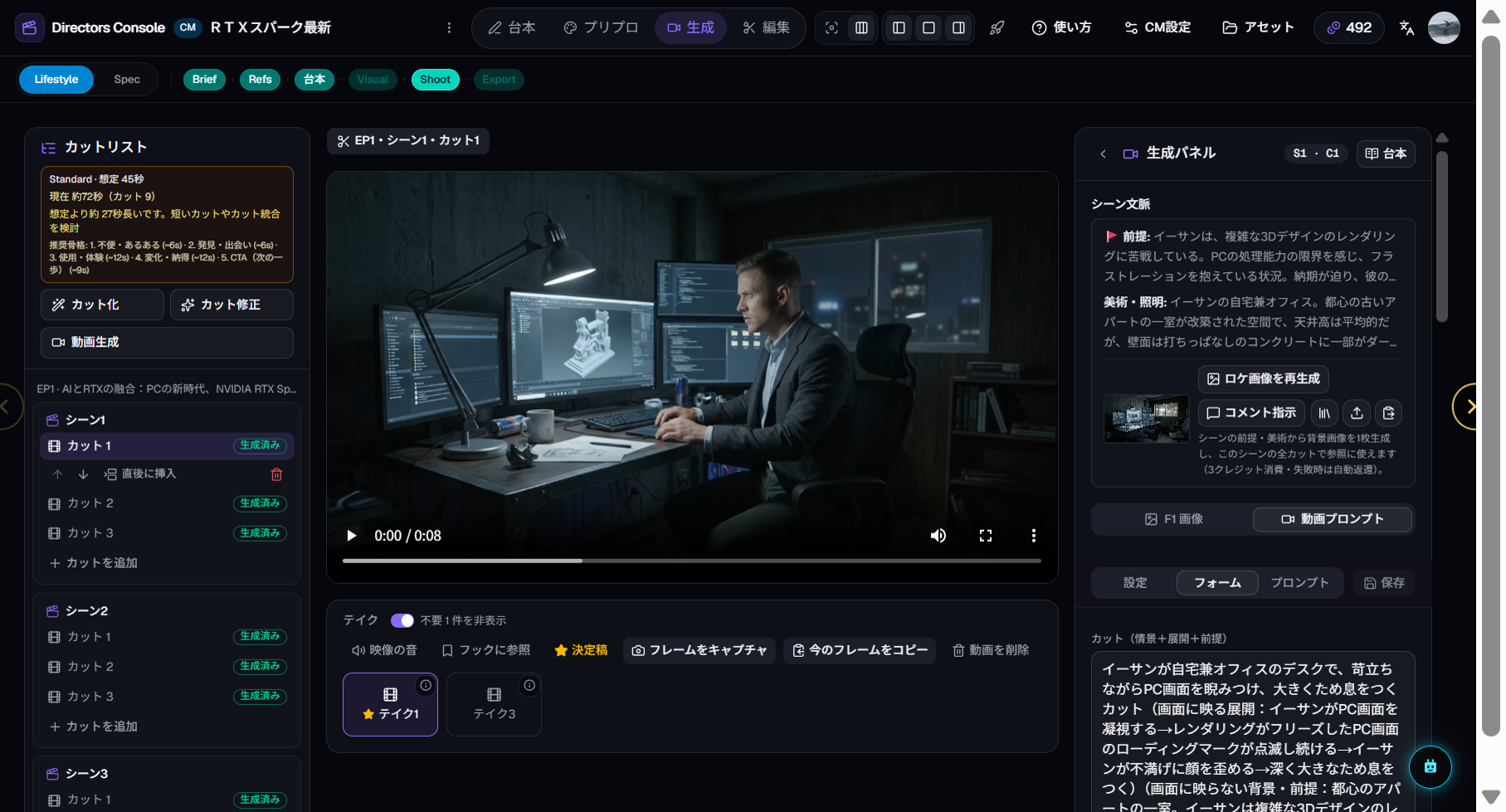
- Video from the chosen cut — the adopted key image drives the video generation
4. Refining (the manual entry points)
- Re-pick the key image — adopt a different candidate or generate more
- Reshoot one cut — generate a new take in the Shoot room
- Order Scene 2 and beyond — widen the range in Full Order
5. Commercial use
If you feature real products, logos, or trademarks, confirming the rights to use them is your responsibility. See the Terms of Service for output rights in detail.